Series
Multi-part guides that build up from scratch to a complete, working system.
Series
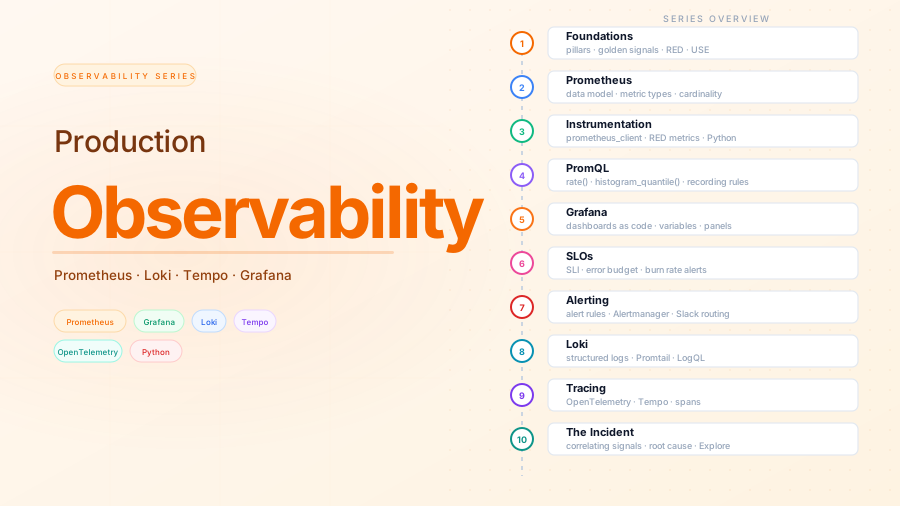
Production Observability
Build a complete observability stack from scratch. Learn the theory behind metrics, logs, and traces — then implement it with Prometheus, Loki, Tempo, and Grafana. Instrument a Python service, define SLOs, write alert rules, and practice root-cause analysis by correlating all three signals through a simulated incident.
- 1 The three pillars, four golden signals, RED and USEWhat observability actually means, why it differs from monitoring, the three signal types, and the frameworks — four golden signals, RED, USE — that tell you which metrics to collect and why. 7 min
- 2 Prometheus: data model, metric types, and your first scrapeThe Prometheus data model, the four metric types and when to use each, why label cardinality breaks systems, and a working Docker Compose stack scraping host and container metrics from day one. 10 min
- 3 Instrumenting a Python service: the RED method in practiceAdd Prometheus metrics to the order service using prometheus_client. Capture rate, error rate, and duration (RED) with ASGI middleware, expose business metrics, and scrape the new target from Prometheus. 8 min
- 4 PromQL: writing queries that mean somethingThe PromQL mental model: instant vs range vectors, rate() vs irate(), histogram_quantile() for percentiles, aggregation operators, and recording rules that precompute expensive queries. 5 min
- 5 Grafana: dashboards as code, not clicksProvision Grafana datasources and dashboards from files so the entire setup is reproducible. Build a service dashboard with variables, request rate panels, latency percentiles, and error rate visualization. 9 min
- 6 SLOs and error budgets: alerting on what mattersWhy threshold alerts cause alert fatigue, how SLIs and SLOs define 'healthy', what an error budget is and how it drives alerting, and how to implement burn-rate alerts in Prometheus. 12 min
- 7 Alerting: Prometheus rules and AlertmanagerWrite Prometheus alert rules with the correct for: semantics, configure Alertmanager routing and grouping, set up Slack notifications, and use inhibition rules to suppress noise during outages. 11 min
- 8 Loki: log aggregation without the Elasticsearch overheadSet up Loki and Promtail, add structured JSON logging to the Python service, write LogQL queries, extract log-based metrics, and configure derived fields that link log lines to Grafana traces. 11 min
- 9 Distributed tracing with OpenTelemetry and TempoWhat distributed traces are and why you need them, how OpenTelemetry instruments a Python FastAPI service, the OTel Collector as a routing layer, Tempo as the trace backend, and trace visualization in Grafana. 17 min
- 10 The incident: correlating metrics, logs, and traces in Grafana ExploreA simulated production incident — elevated latency and an SLO burn-rate alert — investigated end to end using Grafana Explore to move from alert to metrics to logs to trace and back to root cause. 12 min
Series
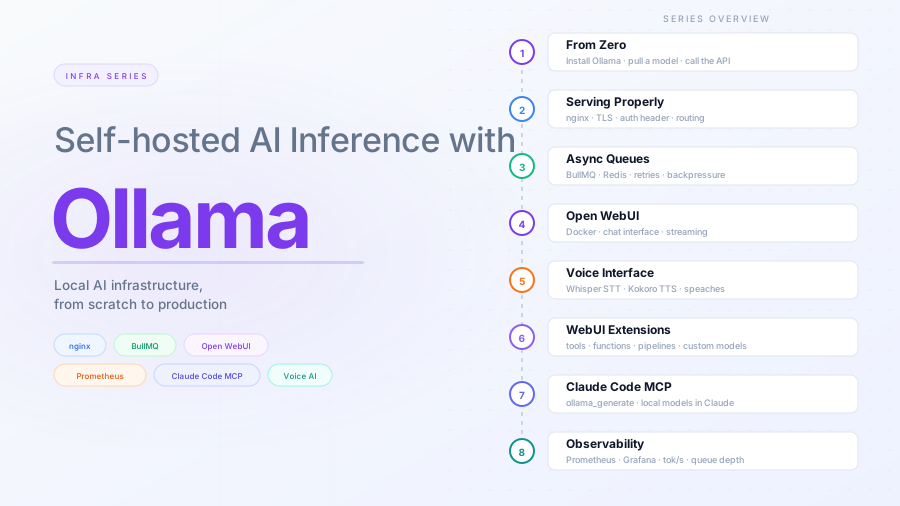
Self-hosted AI Inference with Ollama
Go from a bare server to a production-grade local AI inference stack. Each post adds one layer — runtime, reverse proxy, async queue, chat UI, voice interface, code assistant integration, and observability. By the end you have a complete, self-hosted setup you understand top to bottom.
9 parts
74 min total
April 2026
- 1 Ollama from zero: run a local LLM and hit its APIInstall Ollama, pull a model, and call the API from the terminal and from code. The starting point for everything that follows in this series. 12 min
- 2 Serving Ollama properly: nginx, TLS, and remote accessMove Ollama from a localhost experiment to a properly served API: nginx reverse proxy, TLS termination, authentication, and remote access with a hardened systemd unit. 6 min
- 3 Async inference with queues: BullMQ and Redis in front of OllamaDecouple callers from Ollama with a BullMQ job queue backed by Redis. Clients enqueue inference requests and poll for results — no more hanging HTTP connections during long generations. 10 min
- 4 Adding a UI: Open WebUI wired to your Ollama stackDeploy Open WebUI as a chat interface for your Ollama stack. Covers Docker-based deployment, nginx integration, user management, and locking down access. 5 min
- 5 Voice interface for Ollama: speech-to-text and text-to-speech with Open WebUIAdd a voice interface to your Ollama stack: a local speaches server for speech-to-text and text-to-speech, wired into Open WebUI. 4 min
- 6 Open WebUI extensions: memory, tools, code execution, vision, and SSOExtend your Open WebUI setup with persistent memory, custom tools, sandboxed code execution, vision and OCR, and single sign-on. Each feature is self-contained — add the ones relevant to your use case. 6 min
- 7 Claude Code + Ollama: local model as your code assistant backendWire Ollama into Claude Code via MCP so you can route specific tasks to a local model. Covers the MCP server setup, Claude Code configuration, and practical use cases where local inference makes sense. 7 min
- 8 Observability for your Ollama stack: Prometheus, Grafana, Loki, and structured logsAdd Prometheus metrics, Loki log aggregation, and Grafana dashboards to your Ollama stack. Track token throughput, generation latency, queue depth, and nginx traffic — broken down by model and route. 16 min
- 9 Ollama infra series wrap-up: architecture, hardware lessons, and what to add nextThe full architecture diagram for the Ollama stack we built across 8 posts, hardware lessons from running it, and a prioritized list of what to tackle next. 3 min