Voice interface for Ollama: speech-to-text and text-to-speech with Open WebUI
Contents
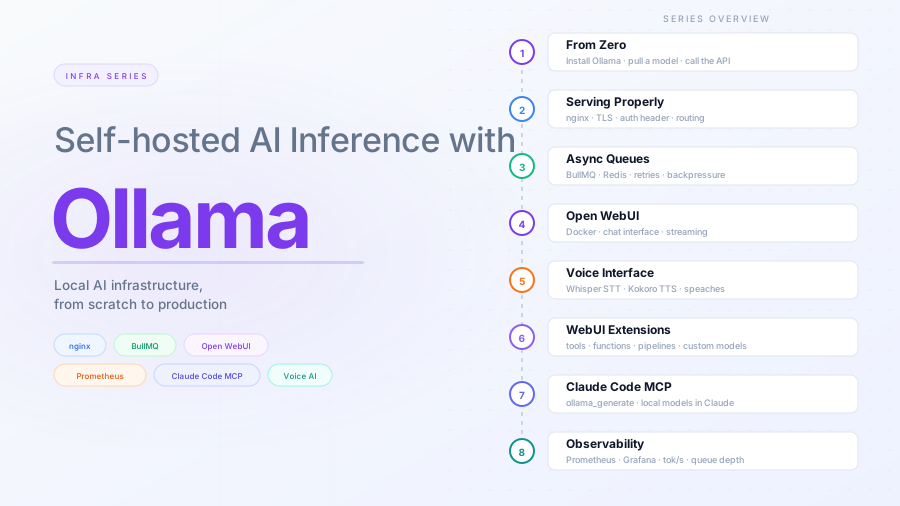
This is part 5 of the Ollama infra series. Part 4 added Open WebUI as a chat interface. Here we extend it with a voice layer: speak to the model through your browser microphone and hear responses read back, all running locally.
What this adds
Open WebUI has built-in hooks for speech-to-text (STT) and text-to-speech (TTS) — a microphone button and a read-aloud button are already in the UI. They are disabled by default because they need an external audio endpoint to talk to.
We will run speaches alongside the existing stack. It is an OpenAI-compatible speech server that handles both directions:
- STT — transcribes your voice to text via Whisper models
- TTS — converts model responses back to audio via Kokoro
One container, one port, both pipelines covered.
Architecture
Browser microphone
  │
  │  audio (WebM/WAV)
  ▼
speaches (8081) ◀──────────────────┐
  │                                │
  │  transcribed text              │  response text
  ▼                                │
Open WebUI  ──▶  Ollama (11434)    │
  │                                │
  └──────────────────────────────▶ speaches (8081)
                                   │
                                   │  audio stream
                                   ▼
                              Browser speaker
Ollama does not change. Open WebUI talks to speaches for both audio directions.
Running speaches
speaches exposes an OpenAI-compatible API and downloads models from Hugging Face on first request, caching them in a named volume.
docker run -d \
  --name speaches \
  --restart always \
  -p 127.0.0.1:8081:8000 \
  -v hf-hub-cache:/home/ubuntu/.cache/huggingface/hub \
  -e 'PRELOAD_MODELS=["Systran/faster-whisper-base","speaches-ai/Kokoro-82M-v1.0-ONNX"]' \
  -e WHISPER__TTL=-1 \
  -e TTS_MODEL_TTL=-1 \
  ghcr.io/speaches-ai/speaches:latest-cpu
If you have a CUDA-capable GPU, replace latest-cpu with latest-cuda and add --gpus all.
PRELOAD_MODELS downloads and loads both models at startup so neither STT nor TTS has a cold first request. WHISPER__TTL=-1 and TTS_MODEL_TTL=-1 keep both models in memory indefinitely — without these, speaches unloads idle models after 5 minutes and the next request returns a 404 until it reloads. The hf-hub-cache volume persists the downloaded weights across container restarts.
Check it is running:
curl http://localhost:8081/health
# OK
Speech-to-text
speaches exposes /v1/audio/transcriptions using Whisper models from Hugging Face. We preloaded Systran/faster-whisper-base above, so that is the default; you can switch to a different size by changing the model field in the request.
Available model sizes:
| Model | Size | Speed (CPU) | Notes |
|---|---|---|---|
Systran/faster-whisper-tiny |
~75 MB | very fast | Noticeably less accurate |
Systran/faster-whisper-base |
~145 MB | fast | Good default |
Systran/faster-whisper-small |
~465 MB | moderate | Better accuracy, still practical |
Systran/faster-whisper-medium |
~1.5 GB | slow | Only if accuracy matters more than latency |
Systran/faster-whisper-large-v3 |
~3 GB | very slow on CPU | GPU recommended |
For a voice chat interface where response time matters, base or small is the right call.
Text-to-speech
speaches exposes /v1/audio/speech using Kokoro, a lightweight high-quality TTS model.
Test it:
curl http://localhost:8081/v1/audio/speech \
  -H "Content-Type: application/json" \
  -d '{"model": "speaches-ai/Kokoro-82M-v1.0-ONNX", "input": "Hello from your local TTS engine.", "voice": "af_heart"}' \
  --output test.mp3
Note: speaches does not support opus or aac response formats — use mp3 or wav.
Configuring Open WebUI
Navigate to https://inference.yourdomain.com and log in as admin.
Go to Admin Panel → Settings → Audio.
Speech to Text:
| Field | Value |
|---|---|
| STT Engine | OpenAI |
| API Base URL | http://127.0.0.1:8081/v1 |
| API Key | placeholder (any non-empty string) |
| Model | Systran/faster-whisper-base |
Text to Speech:
| Field | Value |
|---|---|
| TTS Engine | OpenAI |
| API Base URL | http://127.0.0.1:8081/v1 |
| API Key | placeholder |
| Model | speaches-ai/Kokoro-82M-v1.0-ONNX |
| Voice | af_heart |
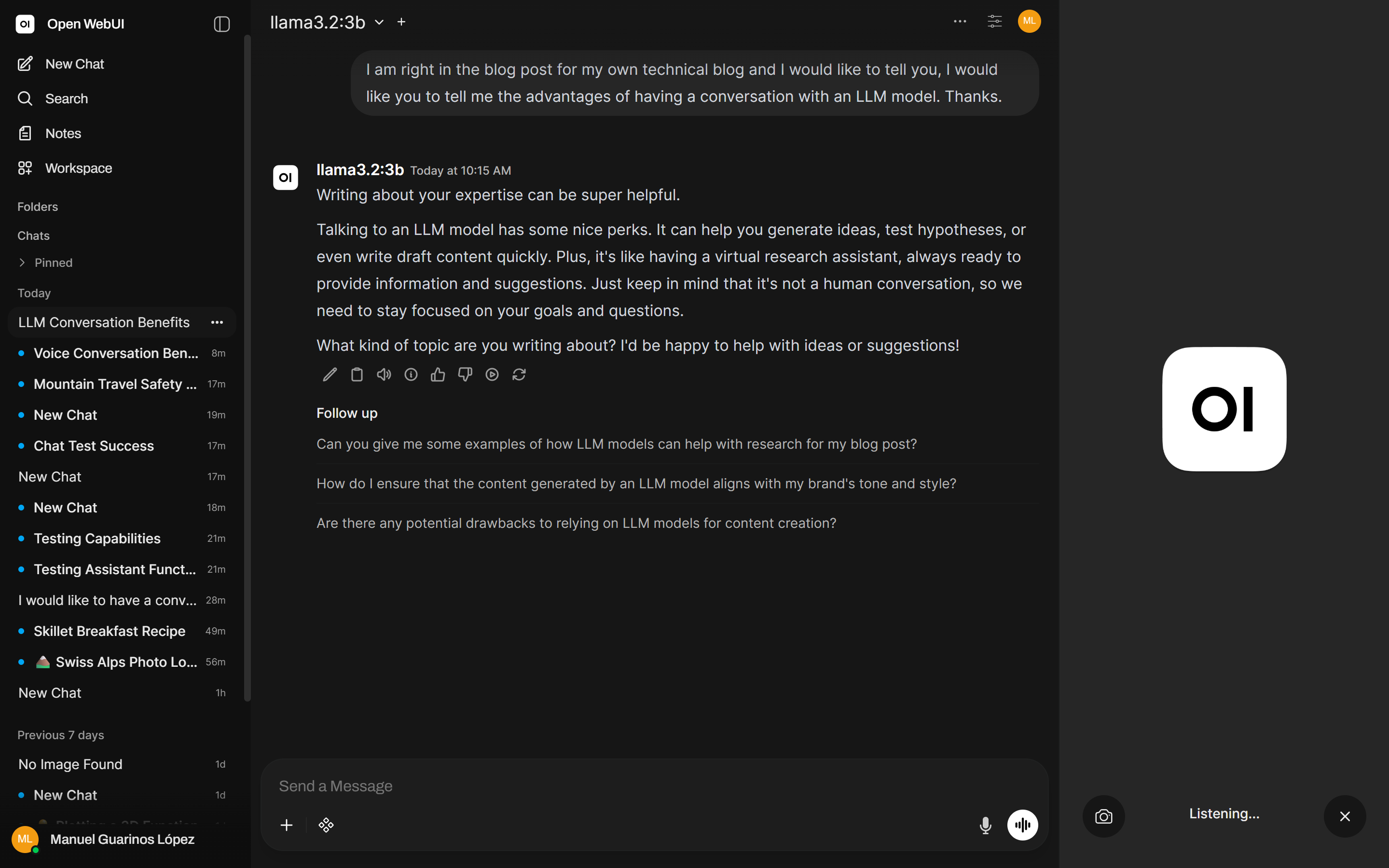
Save. The microphone button in the chat input and the speaker button on responses are now active.
nginx routing update
speaches listens on localhost only — it is not exposed through nginx by default. If you want to access the voice interface from other devices or need the browser to reach the endpoint directly, add it to your nginx config from part 2:
# speaches (STT + TTS)
location /speaches/ {
    if ($http_x_ollama_key != "your-secret-here") {
        return 403;
    }
    rewrite ^/speaches/(.*) /$1 break;
    proxy_pass         http://127.0.0.1:8081;
    proxy_http_version 1.1;
    proxy_set_header   Host $host;
    proxy_read_timeout 60s;
    proxy_buffering    off;
}
If you add this, update both Open WebUI audio settings to use /speaches/v1 rather than the direct localhost address.
Browser requirements
The microphone button in Open WebUI requires:
- HTTPS — browsers block microphone access on plain HTTP. The nginx TLS setup from part 2 covers this.
- Microphone permission — the browser will prompt on first use.
If you are accessing Open WebUI over HTTP on localhost for development, the microphone will still work — browsers allow it for localhost specifically.
What you have now
- One speaches container handling both voice transcription and audio synthesis
- Open WebUI wired to it, with a working microphone and read-aloud button
- Models downloaded on first use and cached locally
- No audio data leaving your machine